
Build once for many screens
A shared web foundation adapts to phones, tablets and desktops. Your team can maintain one core experience instead of commissioning separate versions of the same workflow.
Build a professional progressive web application (PWA) for your customers or team. One responsive web app works across phone, tablet and desktop, with app-like features planned around what your business actually needs.
*Installation and device features depend on browser and platform support.
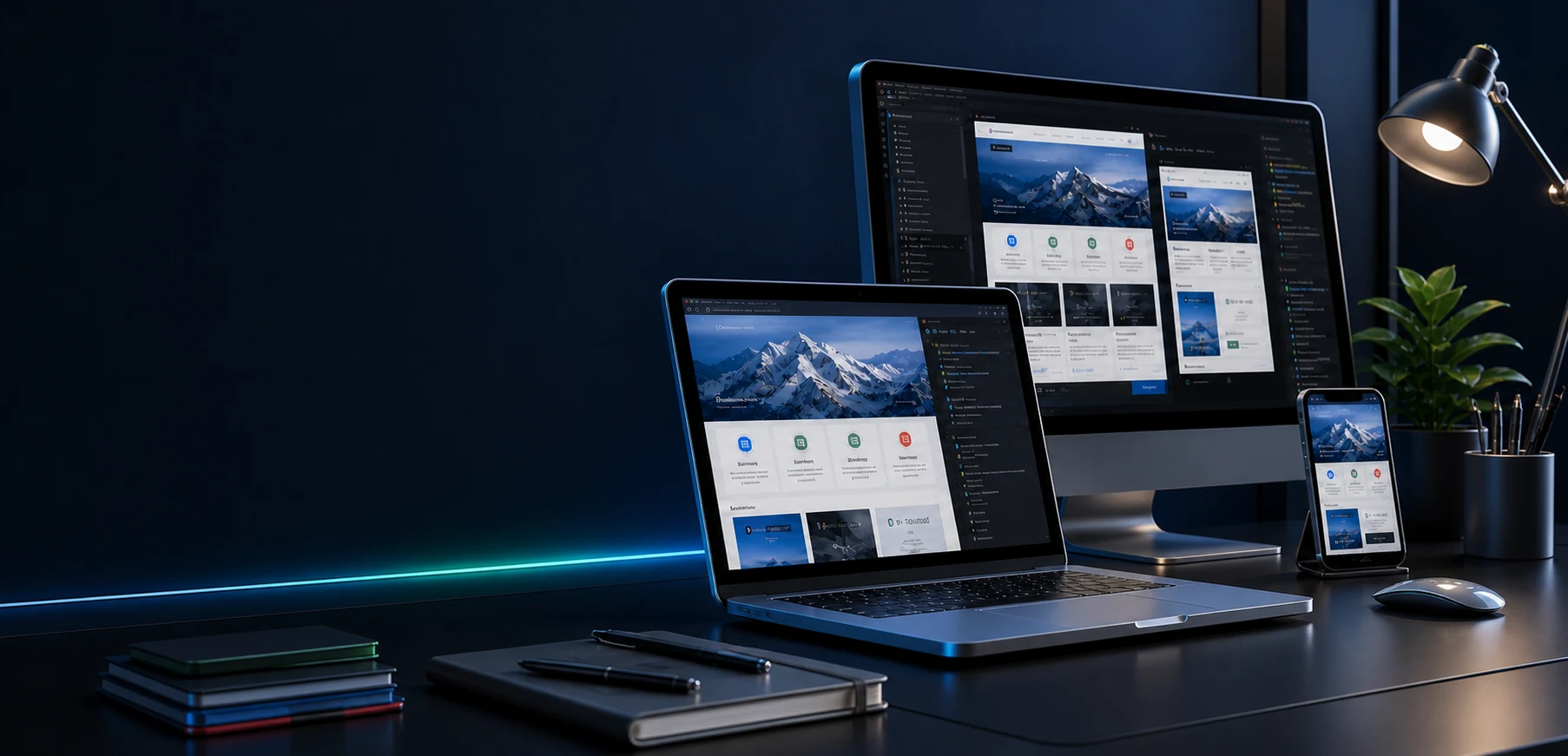 DesktopLaptopPhone
Your customers switch devices all day. A PWA keeps the same journey, data and brand on whichever screen they pick up.
People open it from a link, use it on any screen and come back to it like an app, without starting in an app store.
A shared web foundation adapts to phones, tablets and desktops. Your team can maintain one core experience instead of commissioning separate versions of the same workflow.
Customers can open the app from a link. On supported browsers and devices, they can also add it to their home screen for a more familiar app-like experience.
Fast loading, secure access and selected offline or low-connection flows can be designed into the scope. Available device features vary by platform and browser.
Sign-in, user roles and data access are planned into the scope from day one, and the app is always served over HTTPS.
Launch the core journey first, then add integrations and features once real usage shows what matters most.
A PWA is useful when people need to sign in, complete a task or return regularly, not simply read about a business.
Launch the essential customer journey, learn from real usage and add features as the product proves itself.
Let customers check availability, submit requests and manage appointments from a phone or desktop.
Give users one place to view updates, records, orders or account information securely.
Bring checklists, job updates or internal workflows into a mobile-friendly tool designed for daily work.
PWA work sits under our Custom solution plan. These examples show possible starting scopes; every project receives its own quotation.
A focused first release built around the one task users need to complete most often.
A return-visit experience for bookings, requests, orders or member access.
A practical app for staff, field teams or partners to manage information and tasks.
When the same core service needs to work on several devices, a shared web app can reduce duplicated design, development and maintenance. Launching the smallest useful version first also keeps early spending tied to real user needs.
The process keeps the first version focused and leaves room to improve it with real feedback.
Start with discoveryTell us who will use the app, the problem it solves, the devices they use and your target launch window.
Agree on the core journey, necessary integrations, supported devices, offline needs, deliverables and quotation.
Create a responsive interface and working flows, then review them on relevant screens and browsers.
Release the app, check the key journeys and plan improvements from user feedback and business priorities.
Practical answers before you request a quotation.
Send us your idea. We will tell you honestly which one fits.
A progressive web app is a web application built with web technologies that can offer app-like capabilities, such as installation and selected offline functionality. It opens through a URL and can work across different screen sizes from one shared codebase.
The core web app can be designed for modern browsers on iPhone, Android, tablet and desktop. Installation, notifications, offline behaviour and device APIs vary by browser and operating system, so we confirm the exact feature support required for your users.
A shared codebase can avoid rebuilding the same core experience separately for web, iOS and Android. A smaller first release can also reduce initial scope. Actual savings depend on features, integrations, maintenance and whether native-only capabilities are needed.
Selected screens or actions may work offline when designed for it, typically using caching and a clear sync strategy. Offline behaviour is scoped per workflow; live data and some actions still require a connection.
No. A native app may be a better fit for specialised device features, strict platform requirements or an app-store-led distribution strategy. We compare the requirements before proposing the build approach.
There is no fixed package price. The quotation depends on user roles, screens, workflows, integrations, offline needs, security, content and support. Share your idea and must-have features so we can define a useful first scope.
Tell us who will use it, the main task they need to complete and the devices they use. We will help define a practical Custom solution scope.